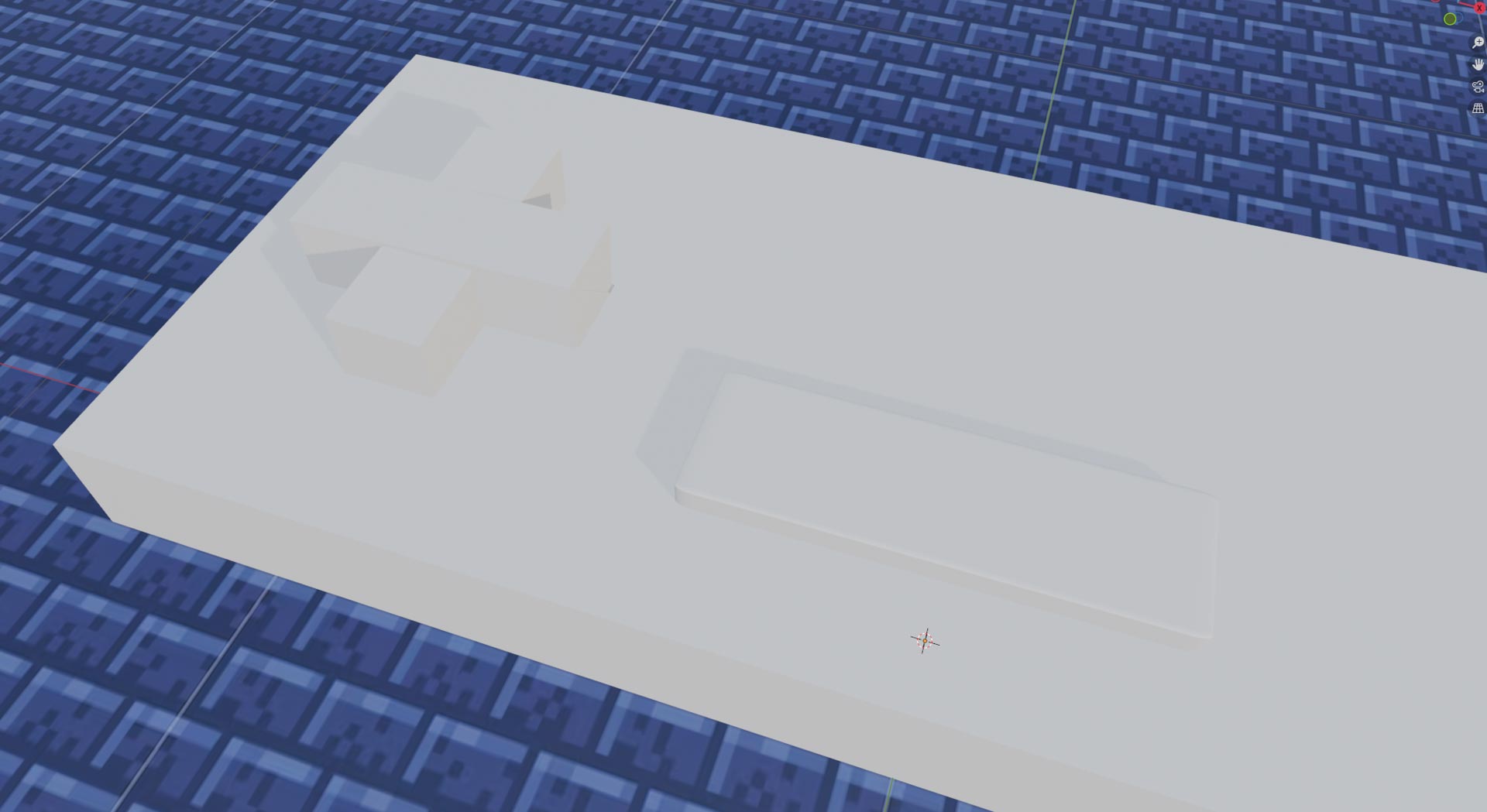
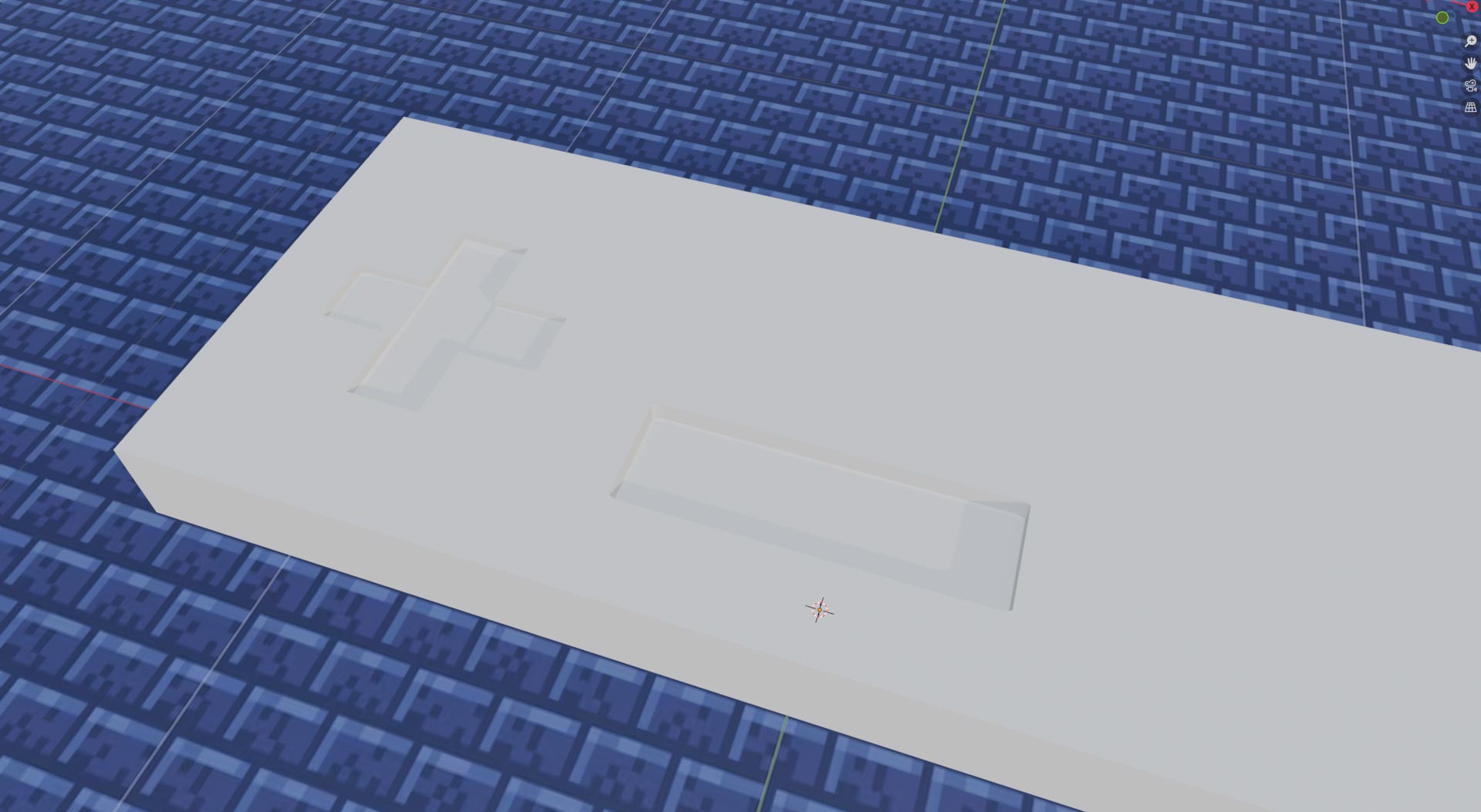
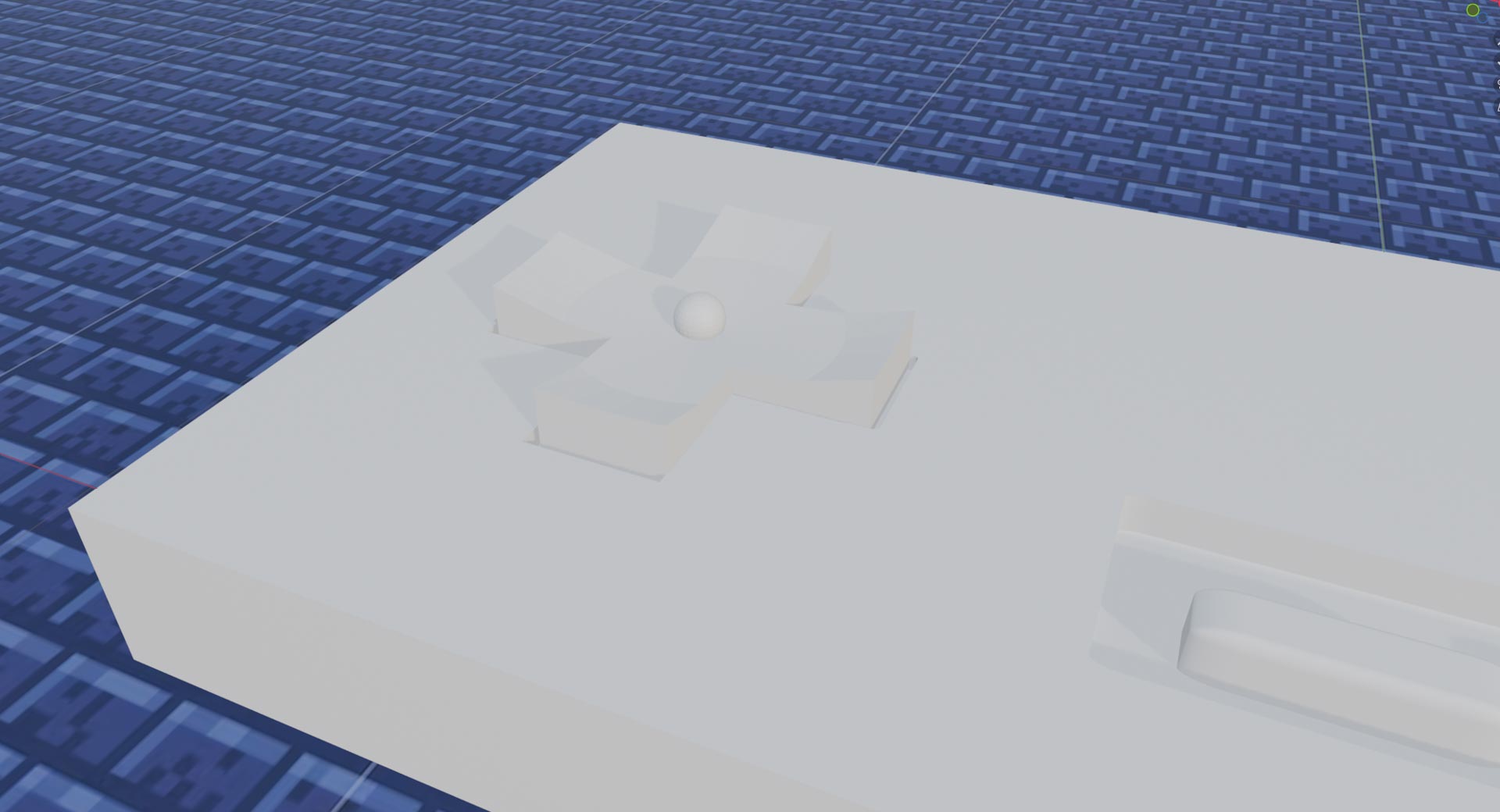
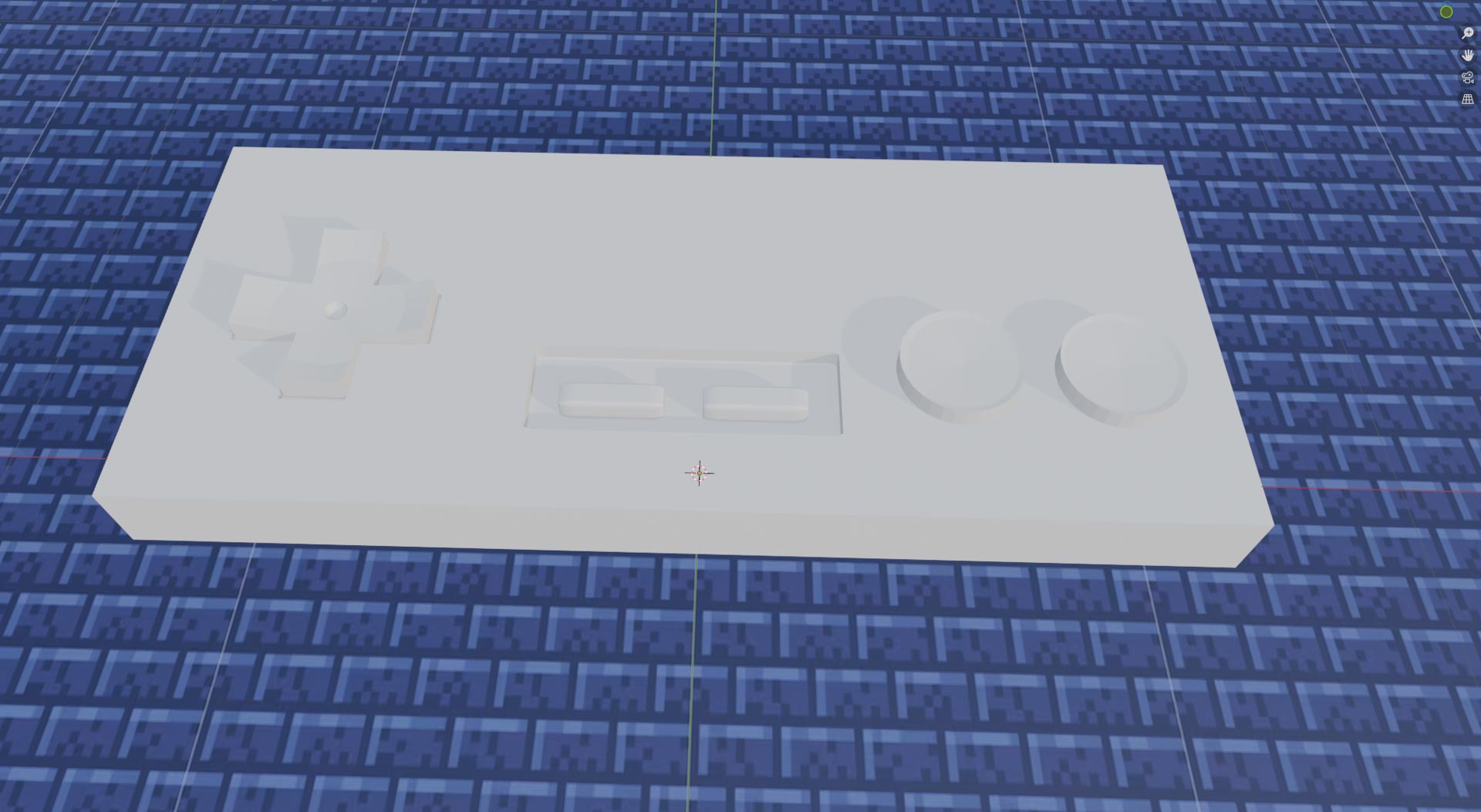
Then using a 3 rectangular shapes I created the shapes I wanted out of my base
Using Boolean-Difference, I created a negative place using the 3 shapes After,I added the cross, start/select buttons and A & B, using cylinders and boxes
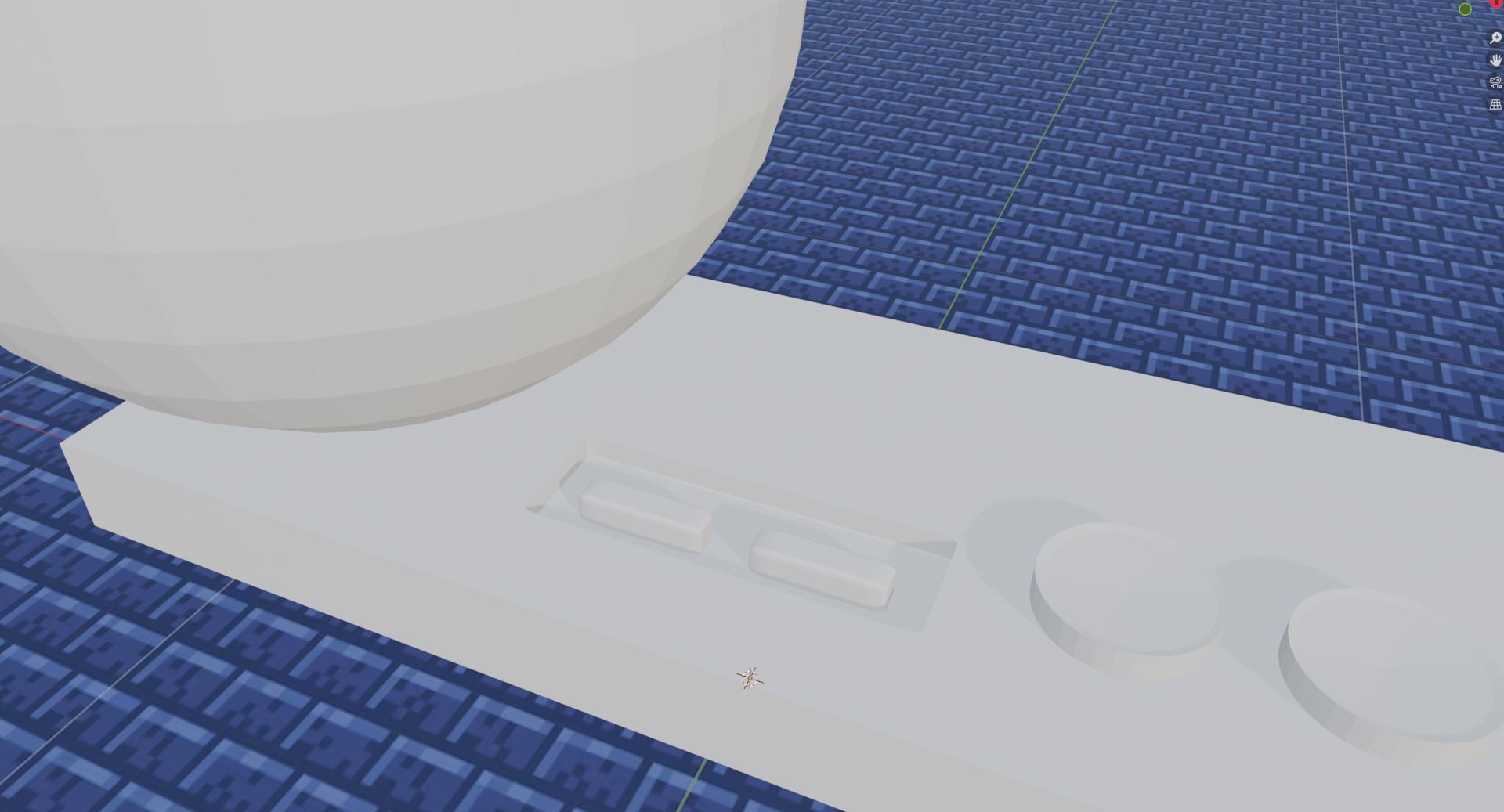
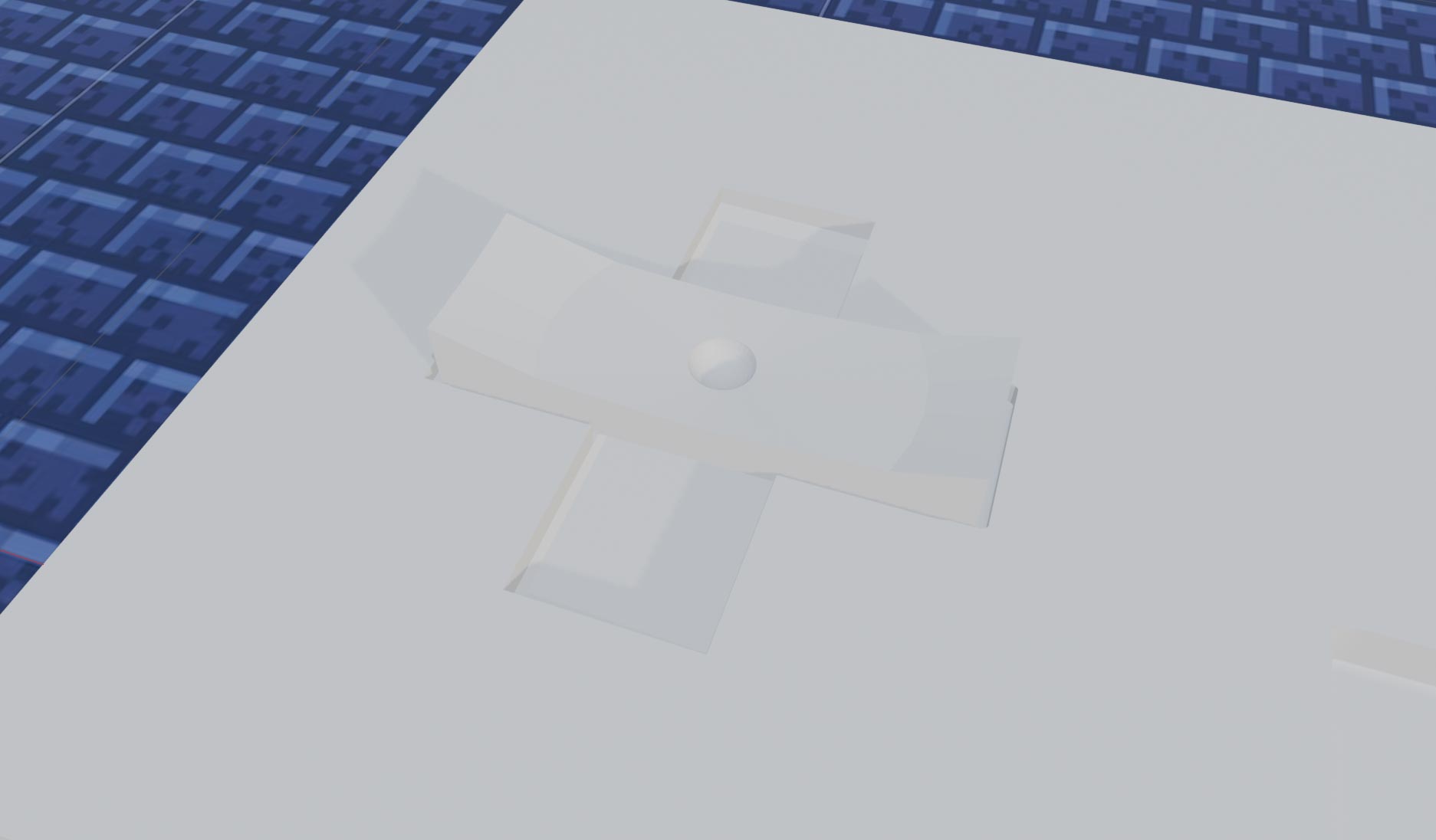
I needed to make the top of the cross, A and B button concave, like the real one
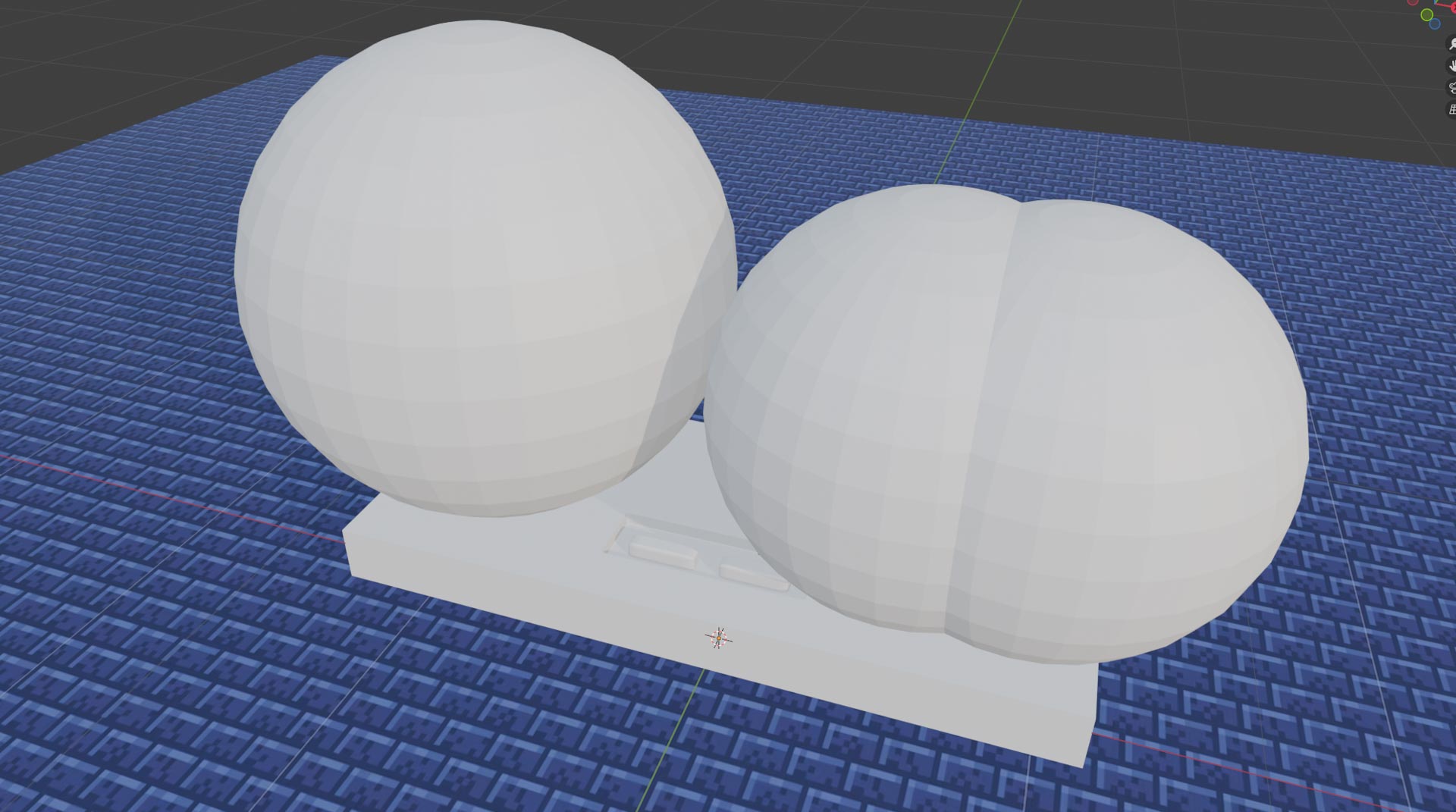
Using a sphere on these buttons, I used the same Boolean-Difference setting from earlier.
One last time, using the same techniques
Thats how I finished my first blender model
Lumas are star shaped creatures, introduced in my favorite Mario game: Super Mario Galaxy
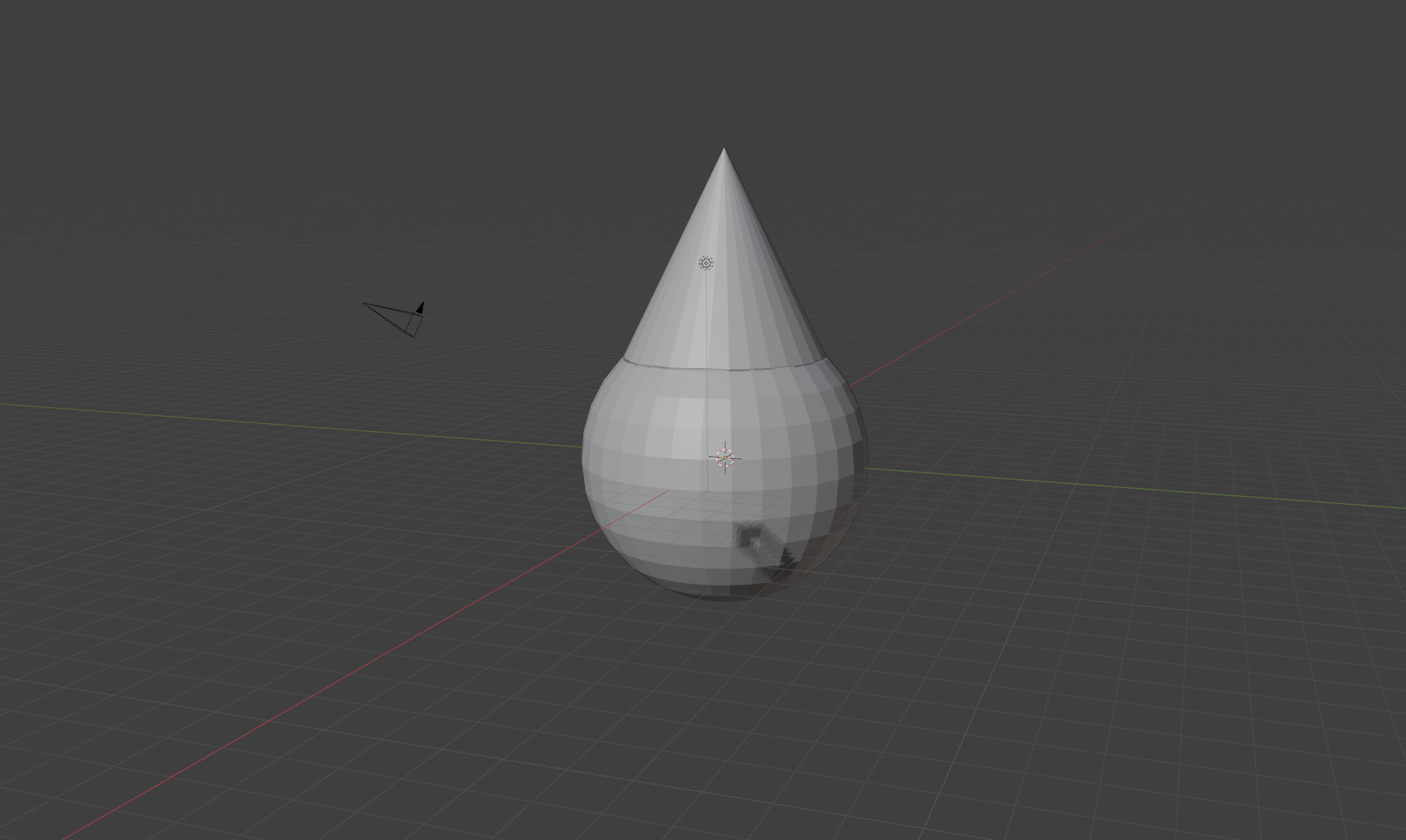
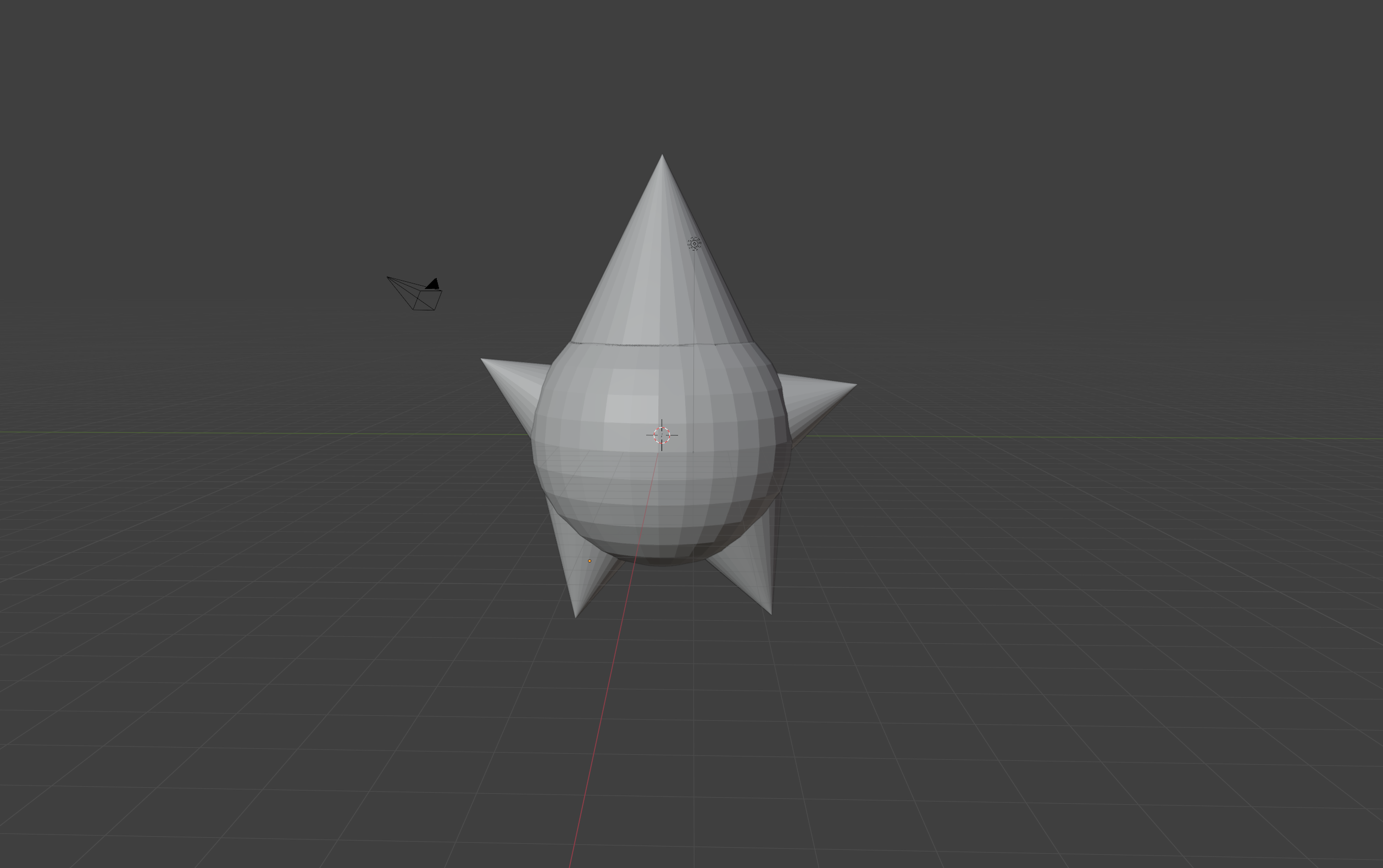
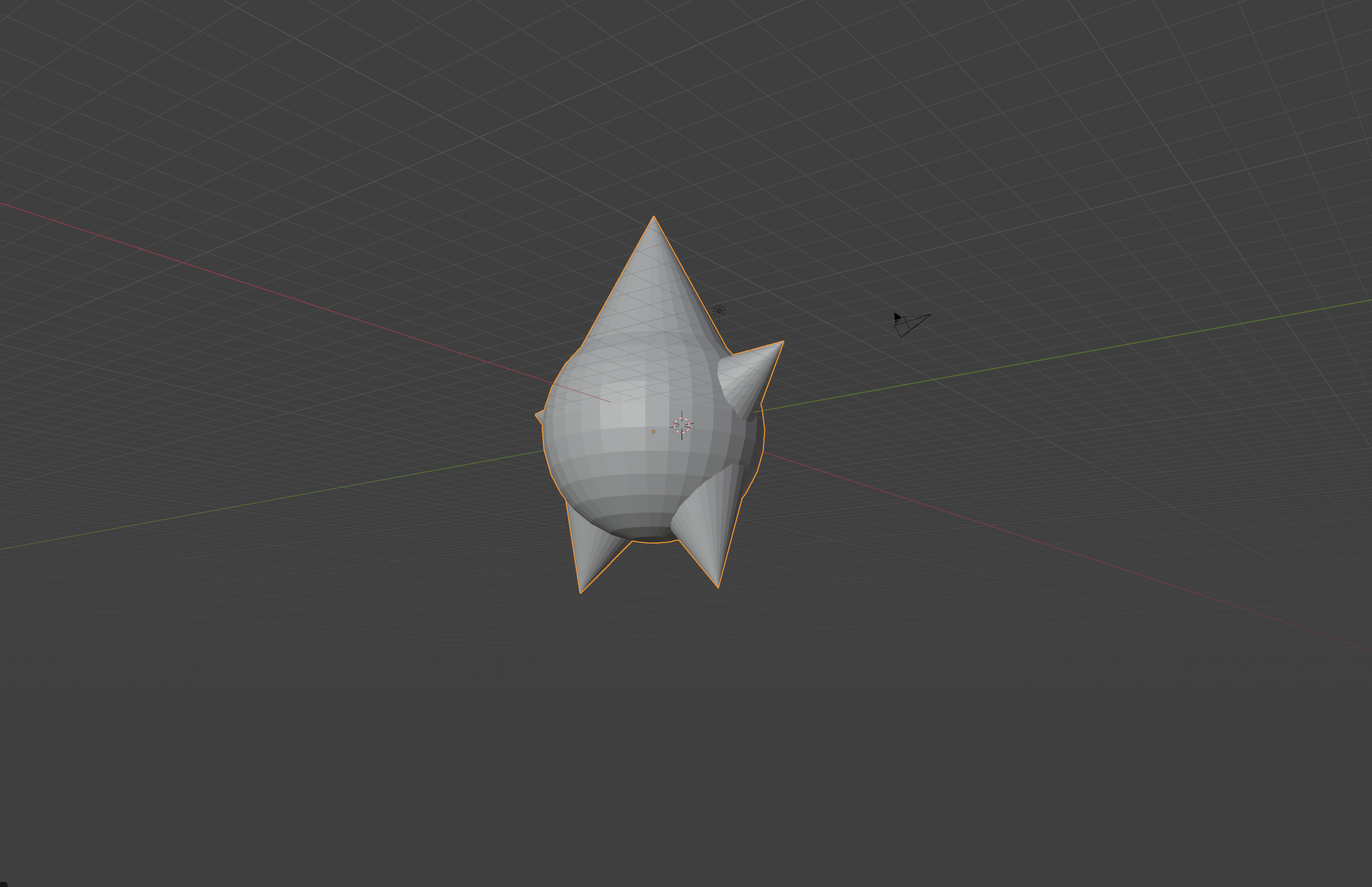
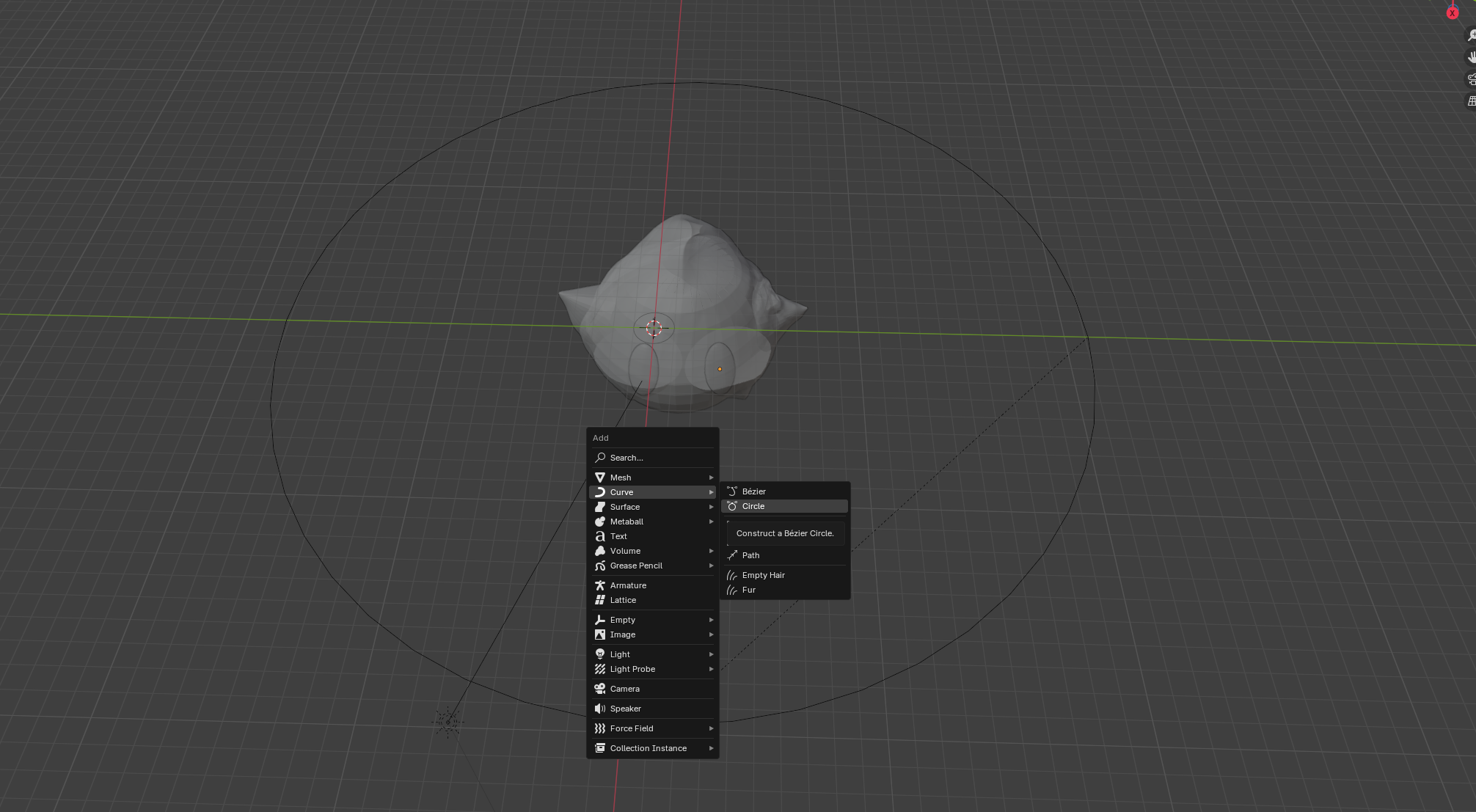
The design started with a sphere and a few cones
I was planning on scuplting the rest of the shape, so I had to cut the model
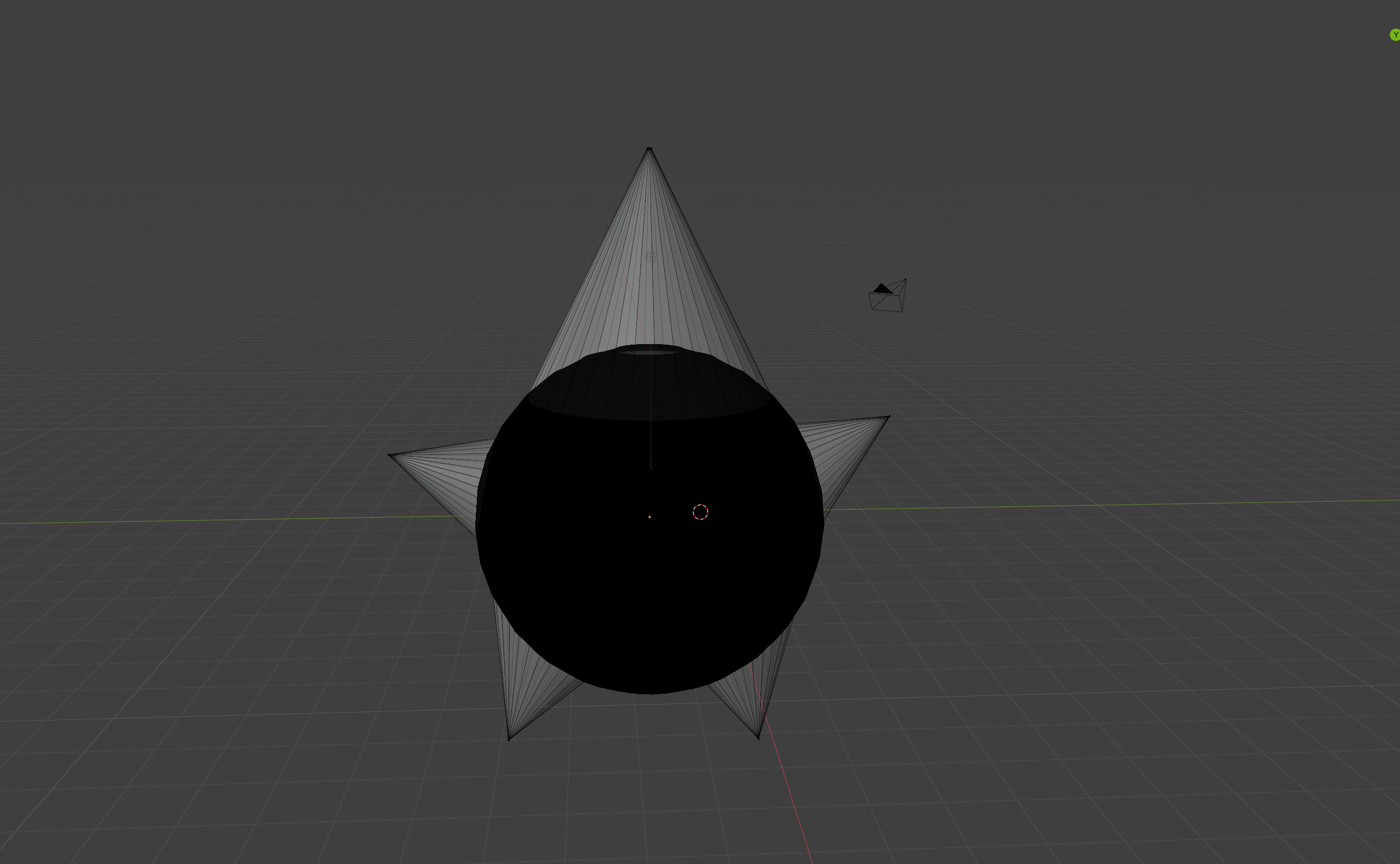
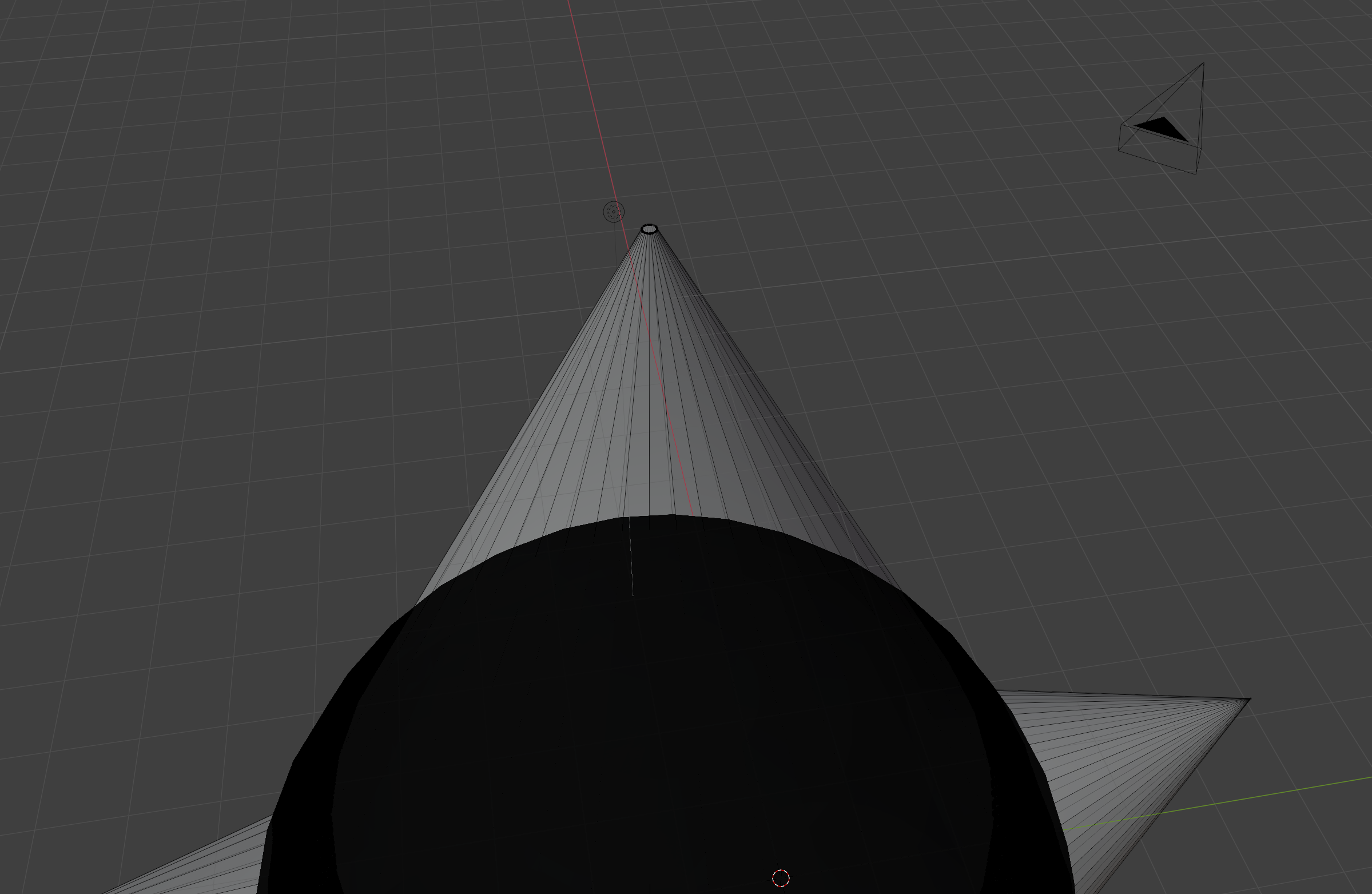
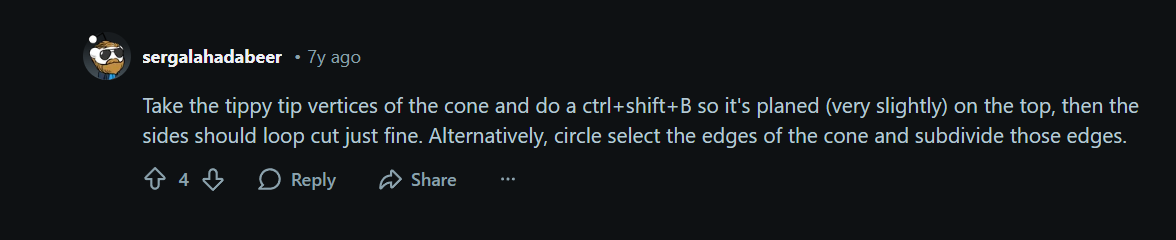
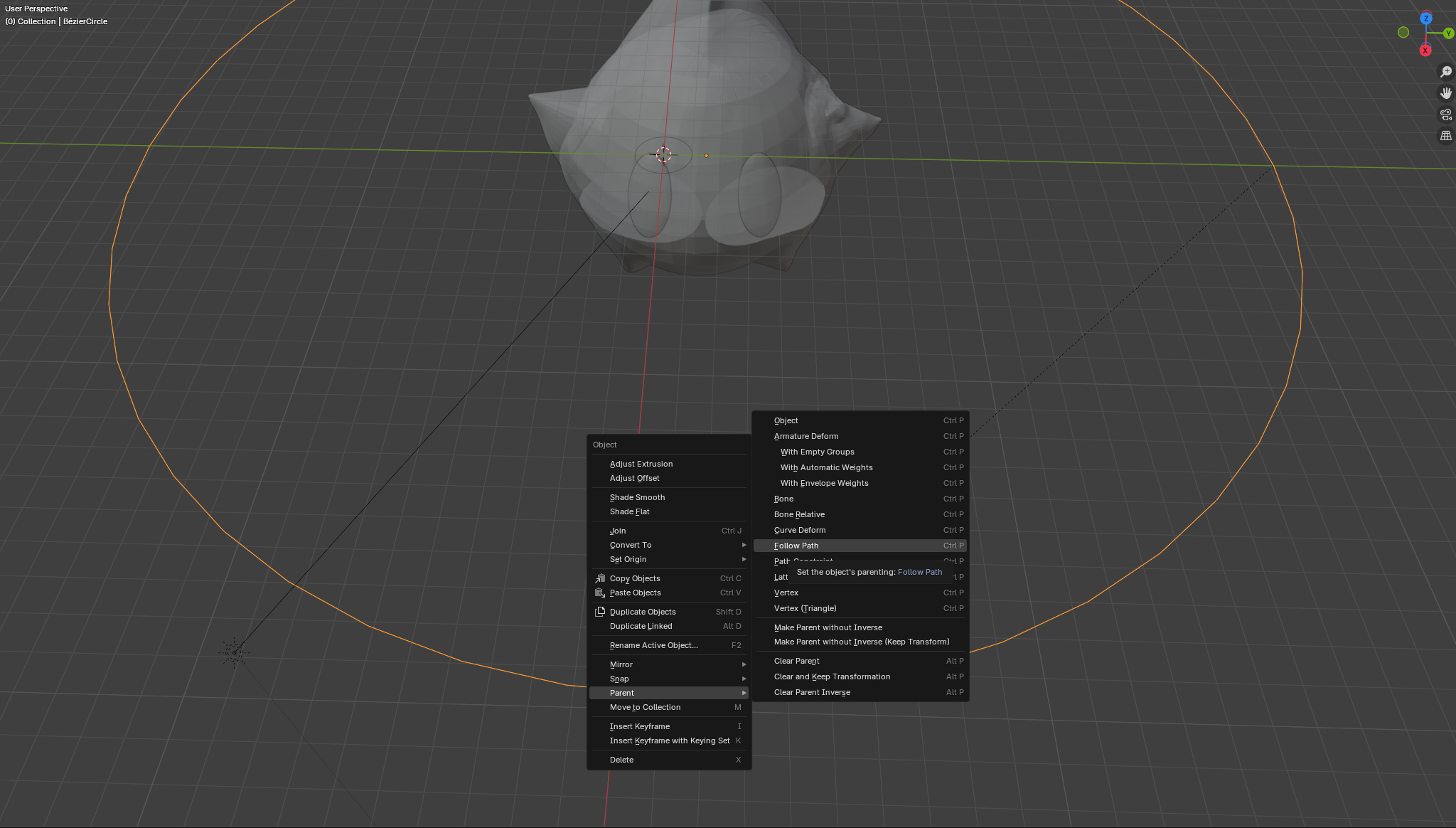
I ran into an issue since you can't cut cones automatically like other shapes.
This comment saved me, or I believed it did at the time...
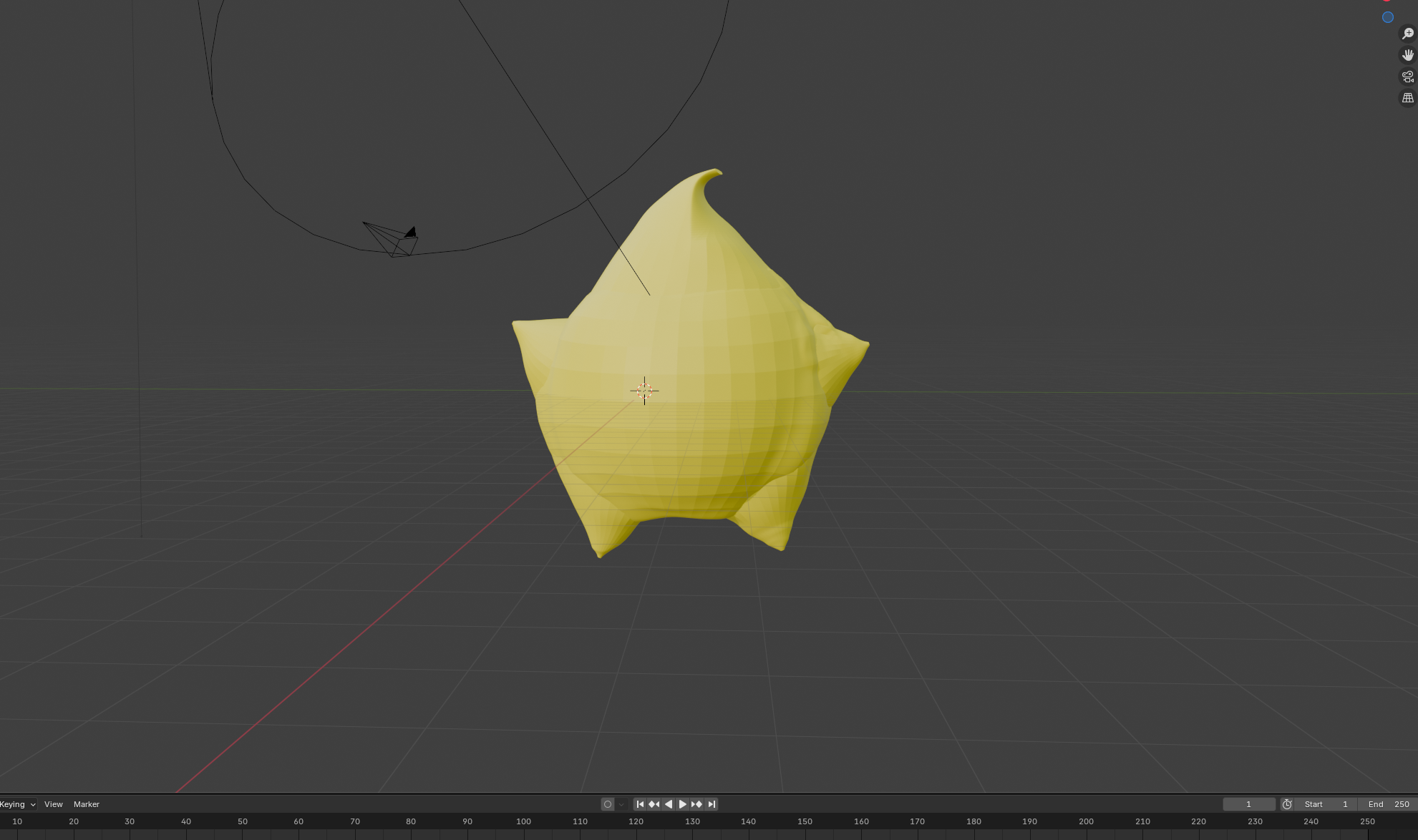
After that I sculpted the little guy, trying out many tools and ended up with this.
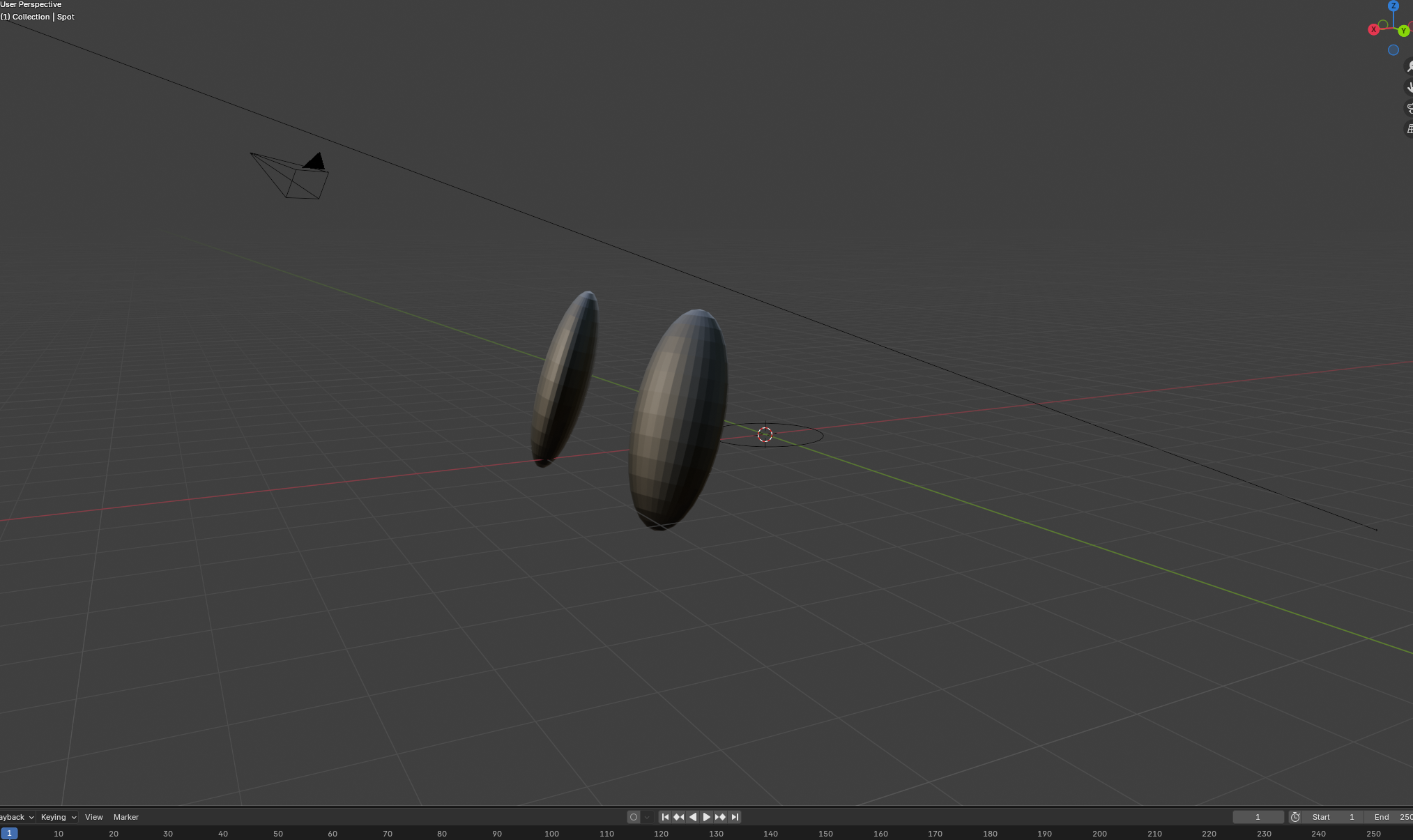
For the eyes, I created 2 spheres that I "squished down" and made their materials black
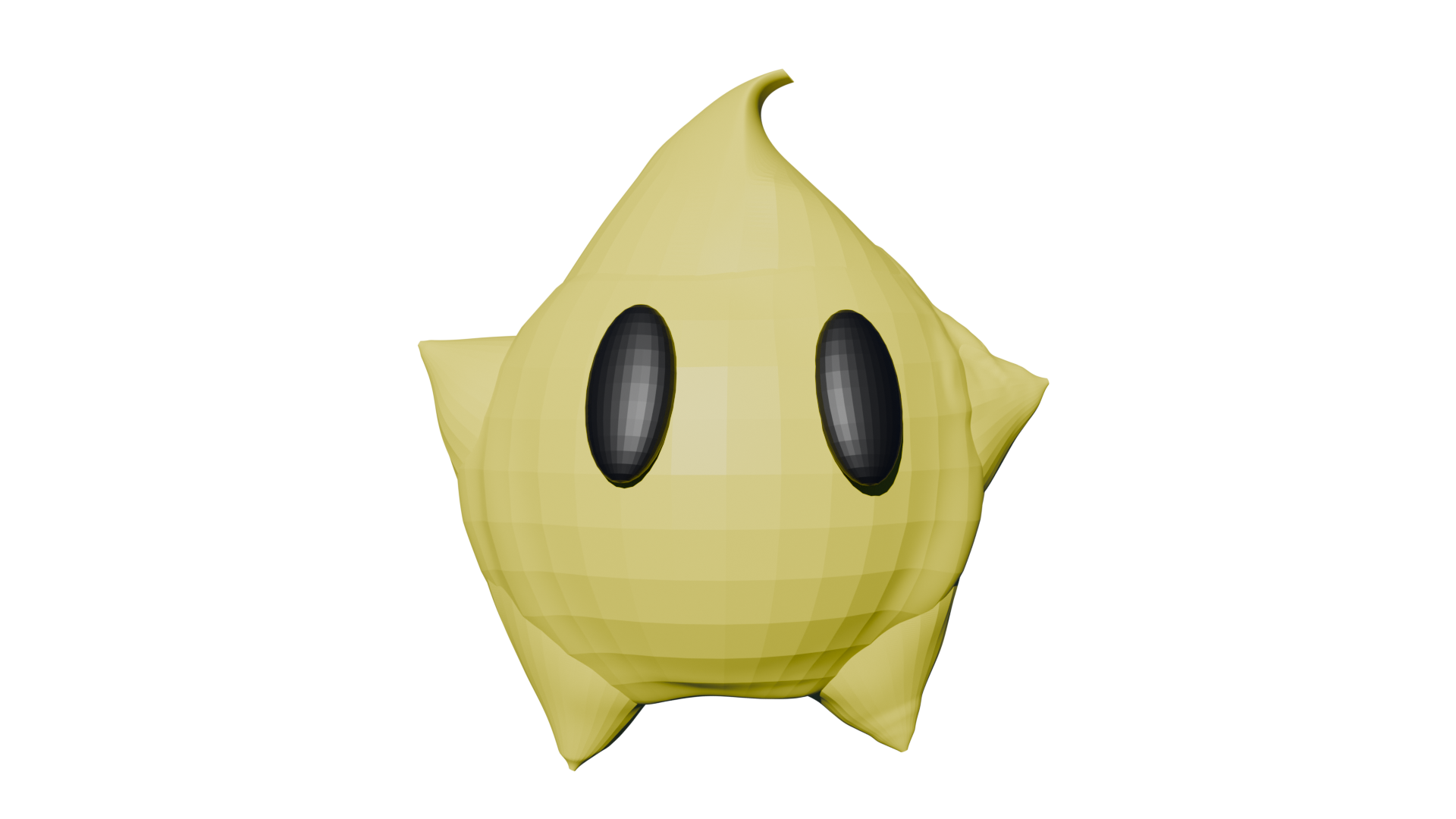
Now that I've done this once, I know that working with a multi-parts object with sculpting is a pain, I need to either learn about that process or simply start with one singular shape, in this example I would have started with a sphere without the cones. This is the final result :3
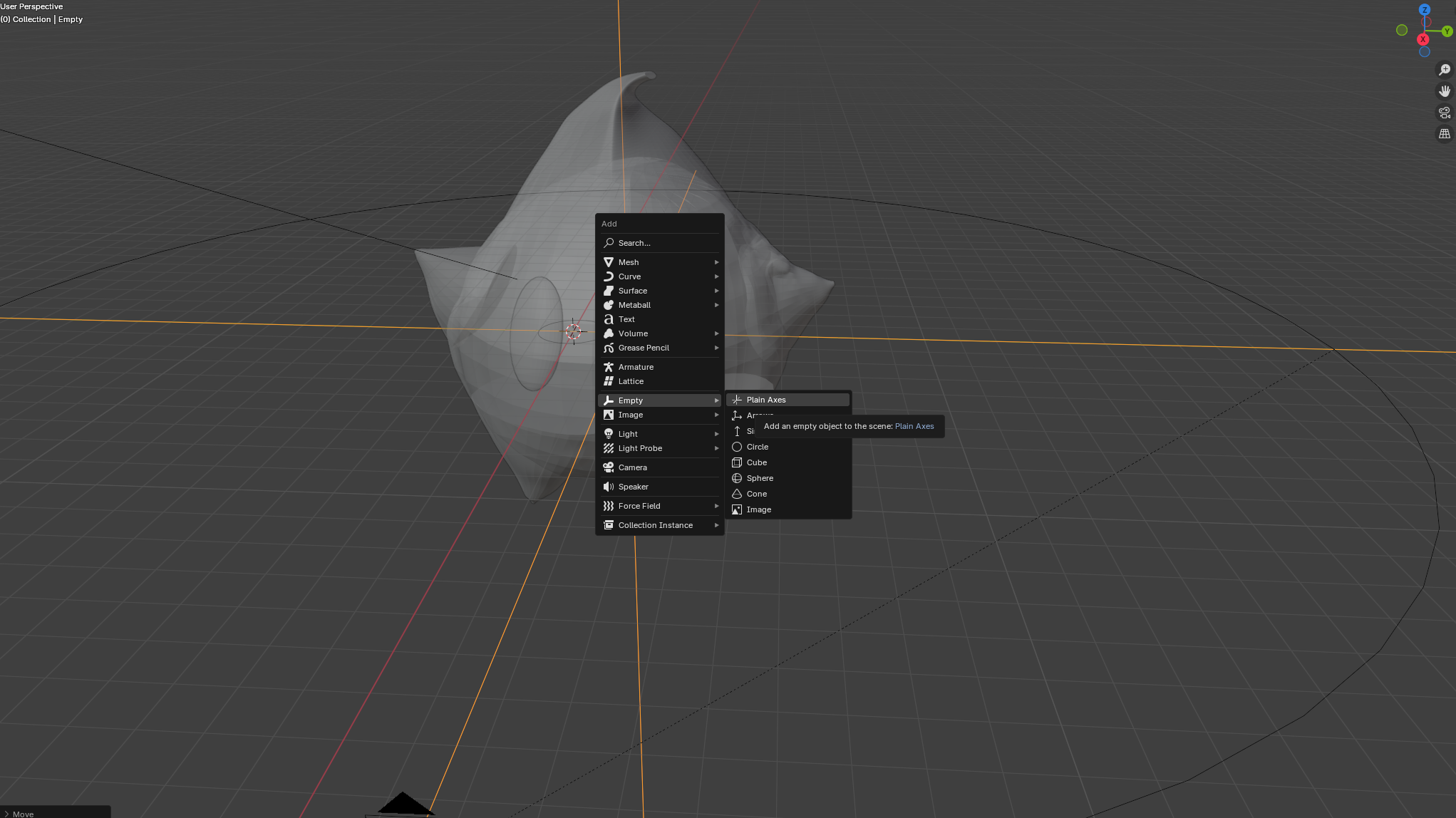
After that, I tried rendering it in video using this to move the camera around him:
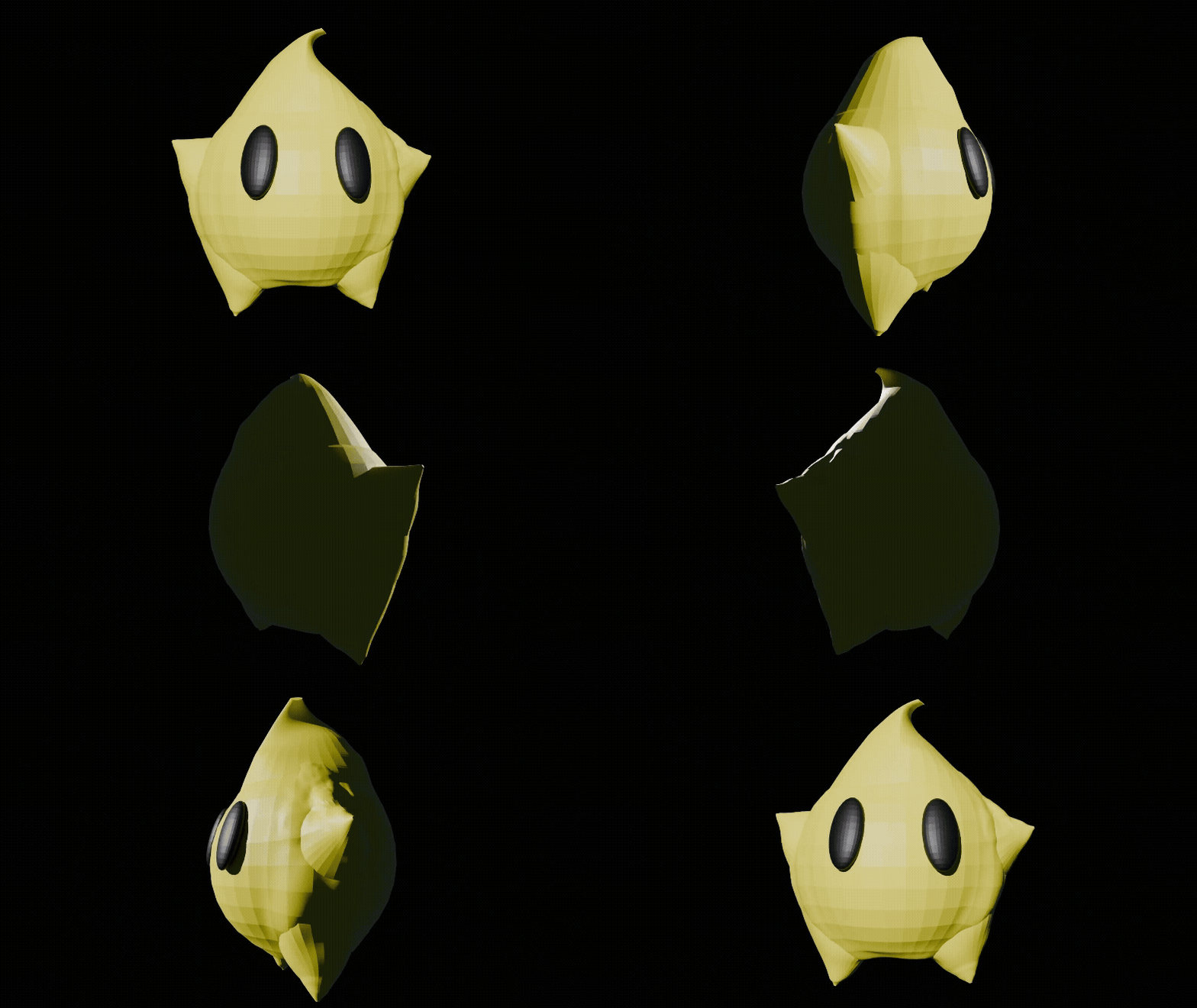
Result:
Fun fact! It took 30ish minutes to render at 1080p, Cycle, Sample=4096